How to Create a Crypto Payment Link in 2026 (No Website Needed)
Create a crypto payment link in under 2 minutes. Send it via email, chat, or social media. Works with NOWPayments, BTCPay Server, and CoinGate.
Key Takeaways
- A crypto payment link is a URL anyone can click to pay you in cryptocurrency — no website, no integration, no code required
- NOWPayments creates payment links in under 2 minutes with support for 300+ coins. BTCPay Server does it for free but requires self-hosting
- Payment links are perfect for freelancers, social media sellers, and anyone who invoices clients manually
- Most payment links include price locking, QR codes, and automatic confirmation — they work just as smoothly as PayPal.me links
The simplest way to accept crypto is a payment link. No website. No code. No plugins. You create a link, send it to whoever owes you money, and they pay. That is it.
I have been using crypto payment links for freelance work and one-off sales since 2024, and they have completely replaced the "here is my wallet address" approach. The difference is night and day: price locking, automatic confirmations, multiple currency support, and a professional checkout page instead of a raw hexadecimal string.
This guide walks through creating a payment link on the two best platforms: NOWPayments (easiest, hosted) and BTCPay Server (free, self-hosted). I will also compare every major provider so you can pick the right one.
What Are Crypto Payment Links?
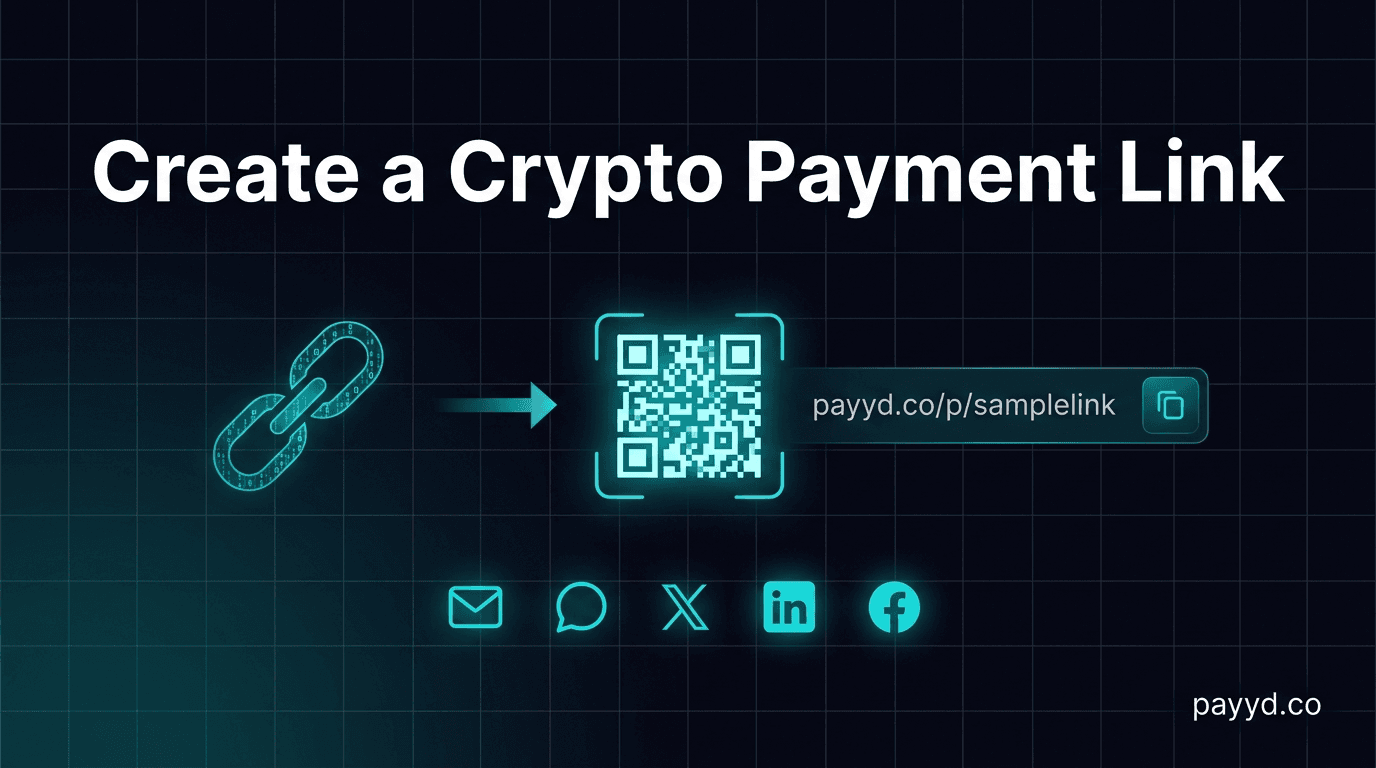
A crypto payment link is a URL that opens a payment page. The page shows the amount due, available cryptocurrencies, a wallet address, and a QR code. The customer chooses their preferred crypto, sends the payment, and both parties get a confirmation.
Think of it as PayPal.me for cryptocurrency, but with lower fees and no account freezes.
Here is what a typical payment link flow looks like:
- You create a link for $100 (or any amount)
- You send the link via email, WhatsApp, Telegram, or social media DM
- The customer opens the link, sees the payment page
- They select BTC, ETH, USDT, or whatever crypto they prefer
- The page generates an address and QR code with the exact amount
- They pay from their wallet
- You get a notification when the payment confirms
The key features that make payment links better than sharing a raw wallet address:
- Price locking: The crypto amount is calculated from the fiat price at the moment the customer opens the link, typically locked for 15-20 minutes
- Multi-currency: One link, many payment options. The customer picks their preferred coin
- Confirmation tracking: Both sides know when the payment is confirmed, no more checking the blockchain manually
- Professional appearance: A branded checkout page instead of a wallet address in a text message
Who Needs Payment Links?
Payment links solve a specific problem: getting paid in crypto without building payment infrastructure. Here are the people who benefit most:
- Freelancers: Send a payment link in your invoice email. The client pays in crypto, you skip the PayPal fees and wire transfer delays
- Social media sellers: Drop a payment link in your Instagram bio, Twitter DM, or Telegram channel. No website needed
- Small businesses without e-commerce: Service businesses (consultants, tutors, designers) that invoice manually rather than running an online store
- Content creators: Accept donations or tips in crypto without integrating a payment widget into your site
- Event organizers: Sell tickets or registrations by sharing a payment link — no ticketing platform fees
- Anyone testing crypto acceptance: Before committing to a full integration, a payment link lets you test whether your customers will actually pay with crypto
Create a Payment Link with NOWPayments
NOWPayments is the easiest way to create a crypto payment link. The whole process takes about 90 seconds. Here is how:
Step 1: Sign Up (30 seconds)
Go to NOWPayments and create an account with your email. The free plan includes payment links, invoicing, and basic e-commerce tools. No credit card required. Read our full NOWPayments review for details.
Step 2: Set Your Payout Wallet (30 seconds)
In the dashboard, go to Store Settings and add your wallet address. This is where you will receive payments. If you want to receive USDT regardless of what the customer pays with, enable auto-conversion.
Step 3: Create a Payment Link (30 seconds)
Go to Payment Tools > Payment Link. Enter the amount (in USD or any fiat currency), add an optional description (e.g., "Logo Design — March 2026"), and click Generate. NOWPayments creates a unique URL.
Step 4: Share the Link
Copy the URL and send it to your customer via any channel: email, text, WhatsApp, Telegram, Twitter DM. You can also download the QR code for in-person payments.
Step 5: Get Paid
When the customer opens the link, they see a professional checkout page with all available cryptocurrencies. They choose one, send the payment, and you receive a notification. The crypto hits your wallet within minutes.
Create a Payment Link with BTCPay Server
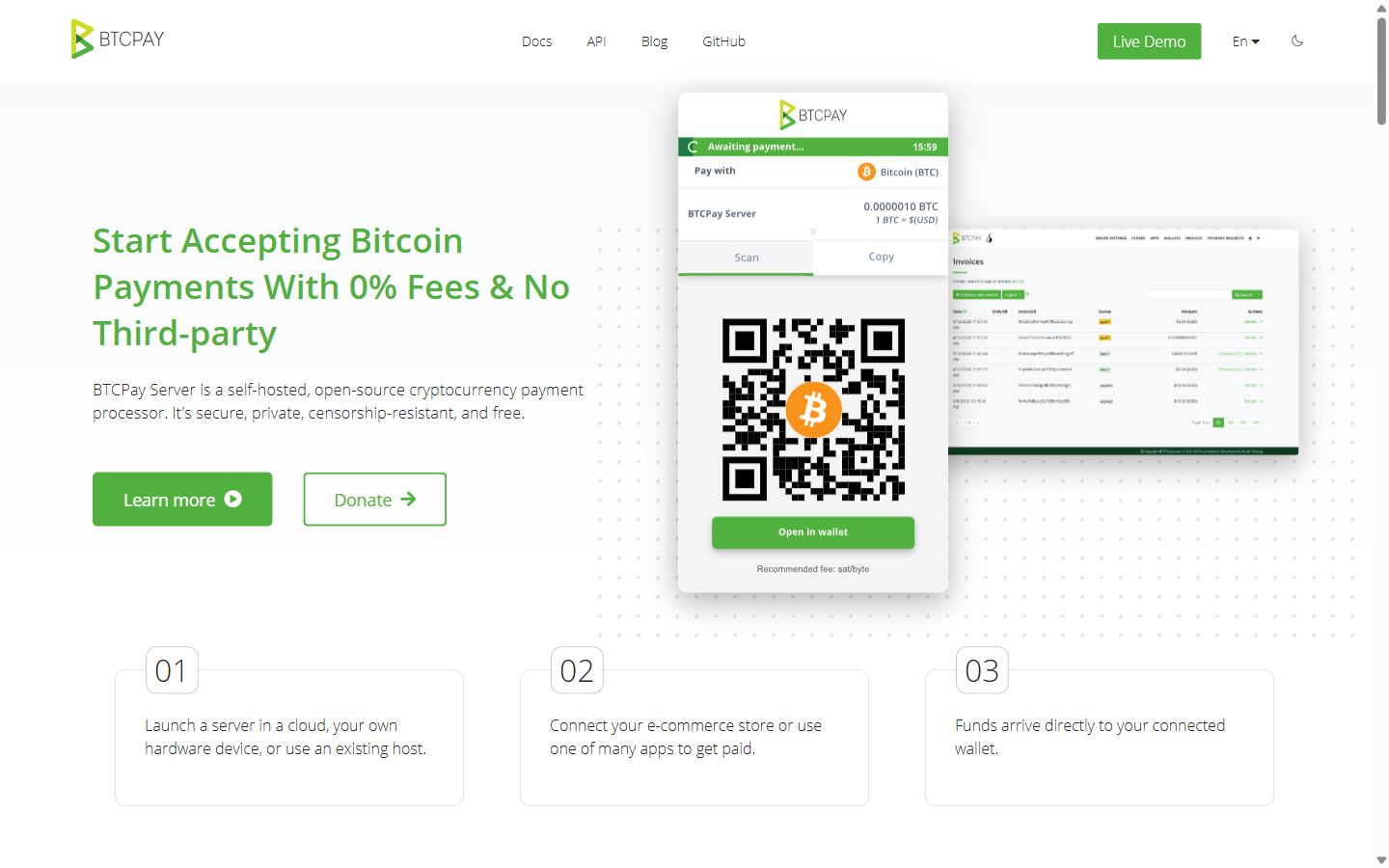
BTCPay Server is the free, self-hosted option. Zero processing fees, but you need to run your own server (or use a third-party host). Here is how to create a payment link:
Step 1: Set Up BTCPay Server
If you do not already have BTCPay Server running, you have two options: self-host (requires a VPS — DigitalOcean or Luna Node are popular choices, ~$10/month) or use a third-party BTCPay host. Our BTCPay review covers setup in detail.
Step 2: Create a Payment Request
In your BTCPay dashboard, go to Payment Requests > Create Request. Enter the amount, currency, and an optional memo. BTCPay generates a payment page URL.
Step 3: Share the Link
The URL works exactly like the NOWPayments link — share it via email, chat, or social media. The customer sees a payment page with a BTC (or Lightning) address and QR code.
Step 4: Receive Payment
The payment goes directly to your wallet. BTCPay never touches your funds — it just facilitates the payment request and confirms the transaction. Zero fees, full sovereignty.
The trade-off vs NOWPayments: BTCPay primarily supports Bitcoin (with Lightning) and a few other coins via plugins. If your customer wants to pay with USDT or a specific altcoin, NOWPayments is the better choice.
Payment Link Providers Compared
Tips for Getting Paid Faster
After using payment links for over two years, here are the lessons I have learned:
- Include the amount in the link description. "Payment for Logo Design — $500" is better than just a bare link. It sets expectations before the customer clicks
- Suggest a specific cryptocurrency. If your customer is new to crypto, do not make them choose from 300 coins. Say "I recommend paying with USDT on Tron — lowest fees and fastest confirmation"
- Set a deadline. Some gateways let you set payment link expiration. A link that expires in 48 hours creates urgency without being pushy
- Follow up with the QR code. If you are working with someone in person or on a video call, share the QR code directly. It is faster than typing a URL
- Test the link yourself first. Open it, make sure the amount is correct, and verify that your payout wallet is properly configured before sending it to a real customer
- Use auto-conversion to stablecoins. If you do not want to hold volatile crypto, set your payout currency to USDT or USDC. The gateway handles the conversion automatically
The biggest mistake I see people make is not following up. If someone does not pay within 24 hours, send a gentle reminder with the link again. Crypto payments require active action (opening a wallet, sending a transaction), which is more friction than clicking "Pay" on a credit card form. A reminder helps.
Start Getting Paid in Crypto Today
Create your first crypto payment link in under 2 minutes. No website, no code, no hassle.
Create a Payment LinkFrequently Asked Questions
How much does it cost to create a crypto payment link?
Creating the link is free on every platform. You pay a transaction fee only when someone actually pays through the link. Fees range from 0% (BTCPay Server) to 1% (CoinGate). NOWPayments charges 0.5%, which is the most common rate.
Can I create a payment link without a website?
Yes — that is the whole point. Payment links are standalone URLs that work without any website or technical setup. Sign up for a gateway, create a link, and share it via any communication channel. Our full guide on accepting crypto covers other methods too.
What happens if the customer pays the wrong amount?
Most gateways handle underpayments and overpayments. For small differences (within 1-2%), the payment is usually accepted. For significant underpayments, the gateway marks the invoice as partially paid, and you can request the remaining balance. Overpayments are typically credited in full.
Can I create a reusable payment link?
Yes. NOWPayments, CoinGate, and BTCPay Server all support reusable payment links with fixed or custom amounts. This is useful for donations, tips, or recurring services with a standard rate. Each payment gets its own transaction, but the link stays the same.
How long does a crypto payment link stay active?
The link itself typically stays active until you manually deactivate it. The price-locked payment session expires after 15-20 minutes (varies by gateway). If the customer opens the link after the session expires, a new session with a fresh exchange rate starts automatically.
Can I accept multiple cryptocurrencies with one link?
Yes. NOWPayments supports 300+ cryptos with a single link. CoinGate supports 70+. The customer selects their preferred crypto after opening the link. BTCPay Server primarily supports Bitcoin and Lightning, with limited altcoin support via plugins.
Do I need to handle crypto-to-fiat conversion myself?
Not necessarily. NOWPayments offers auto-conversion — you receive USDT or another stablecoin regardless of what the customer pays with. CoinGate and BitPay offer direct fiat settlement (they deposit EUR or USD in your bank account). BTCPay Server pays you in crypto, so you would need to convert on an exchange if you want fiat.
Are crypto payment links secure?
Yes. The payment link generates a unique address for each transaction. Payments are verified on the blockchain, which is tamper-proof. The main risk is phishing — someone could create a fake payment page that looks like yours. Always share links through trusted channels and verify the URL before sending.